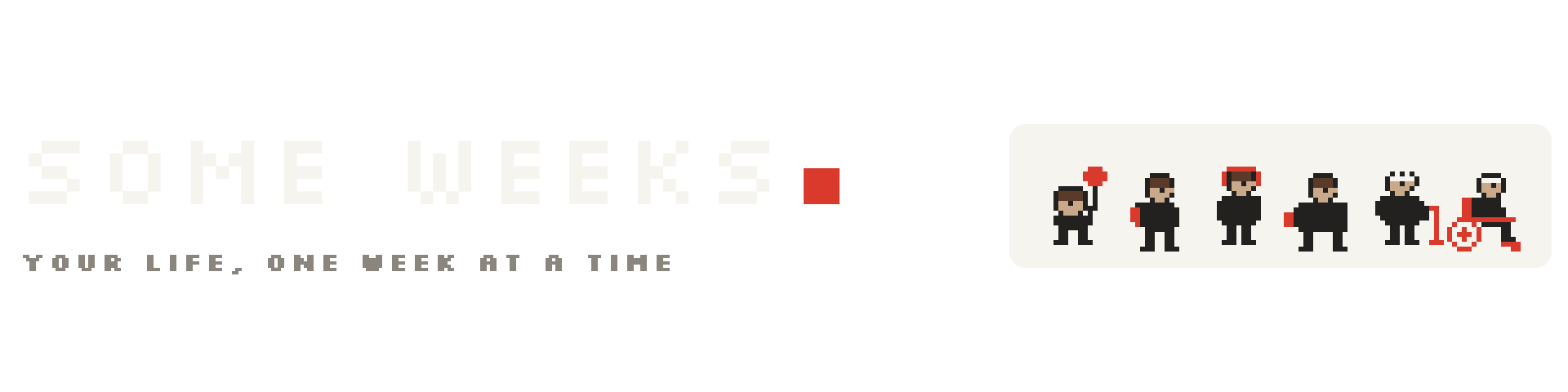
Some Weeks
A downloadable game for macOS
A tiny desktop widget for your Mac: your life, 4,680 squares, one week each.
The dark squares are the weeks you've already lived. The red one is this week. The rest is, well, the rest.
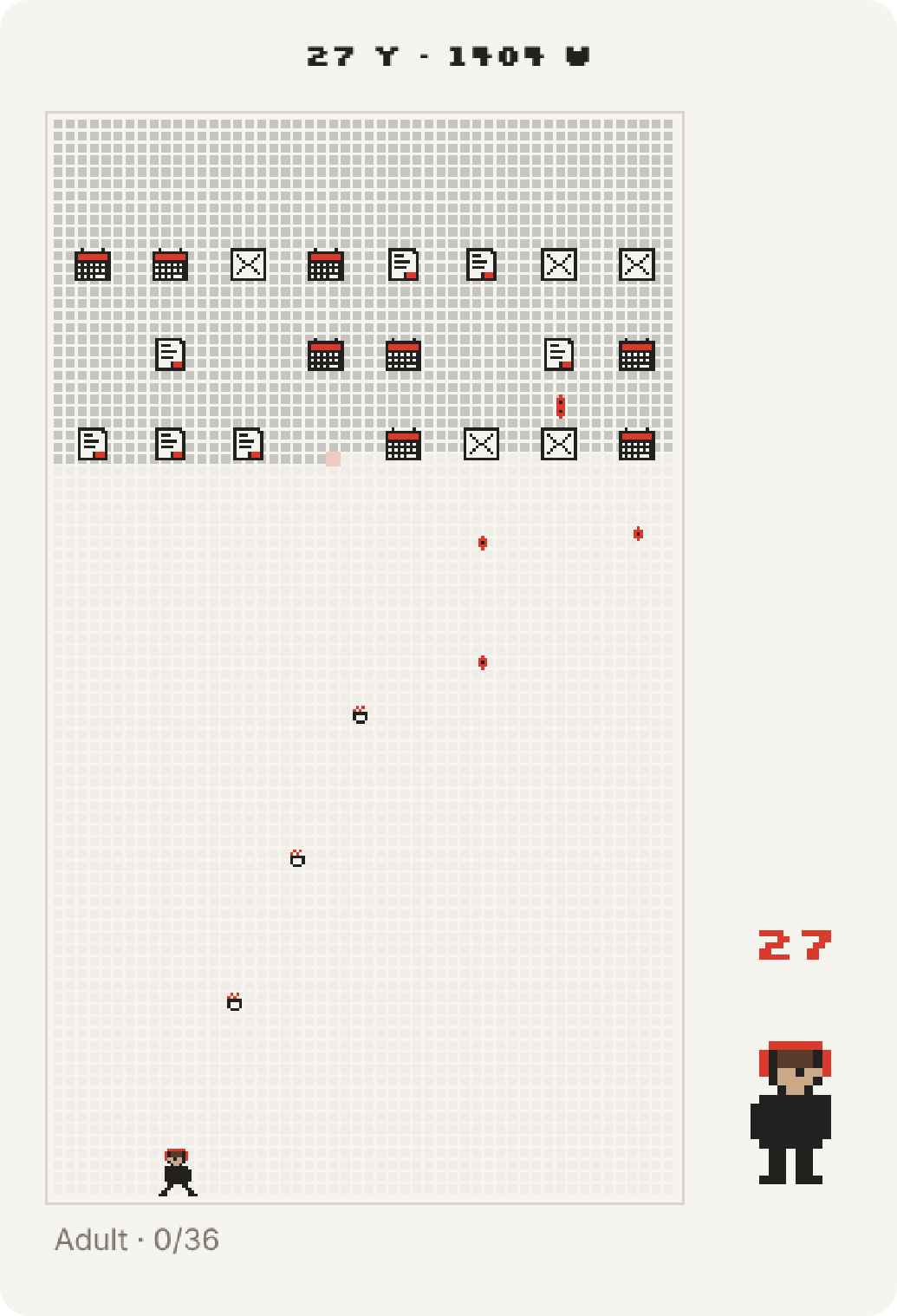
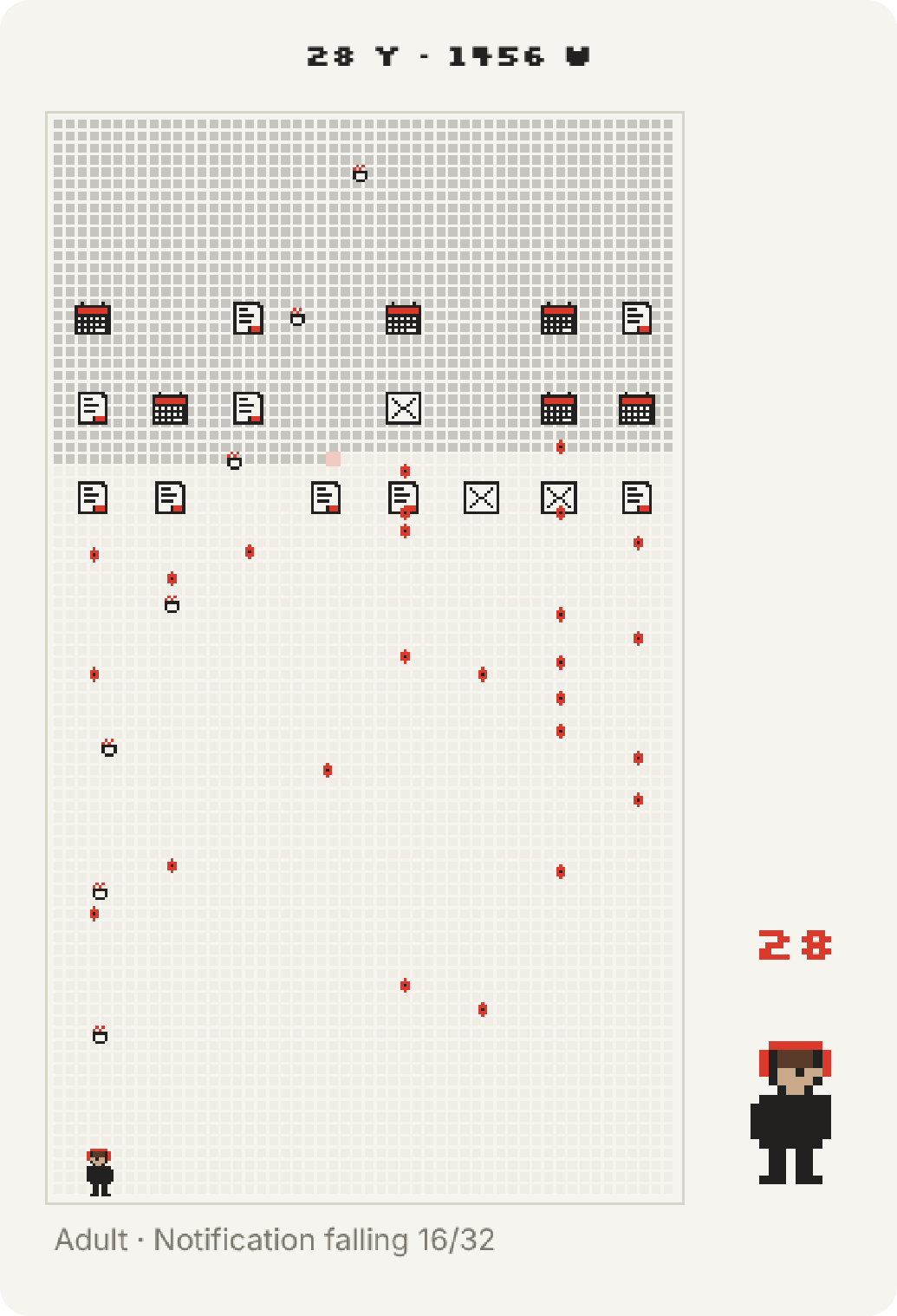
You can click any row and play as yourself at that age. Six ages, six weapons, six kinds of trouble falling on your head.
- Lives on your desktop, behind your windows. Menu bar app, no Dock icon.
- Ctrl + Option + L shows or hides it from anywhere.
- Set your birthday and how far to count (80 to 100 years).
- English and 中文.
- Play it in meetings, or while waiting on your vibe coding results.
Requires macOS 13 or later. See the install steps below the download button.
P.S. There's a key that makes you immortal. We won't tell you which.
© 2026 puddleme. Free to download and play. Please don't re-upload or sell it.
Download
Install instructions
- Unzip the download and drag Some Weeks into your Applications folder.
- Open it. The first time, macOS blocks it because it's a free indie app that isn't notarized by Apple. To allow it, go to System Settings → Privacy & Security, scroll down and click Open Anyway.
- Enter your birthday in the window that pops up. Your grid appears on the desktop.
Where is it?
Look for WEEKS in the menu bar at the top right. There's no Dock icon. Press Ctrl + Option + L to show or hide the widget, and drag it by the strip at the top.
To quit
Click WEEKS in the menu bar → Quit.
Still won't open?
Run this once in Terminal, then try again:
xattr -dr com.apple.quarantine "/Applications/Some Weeks.app"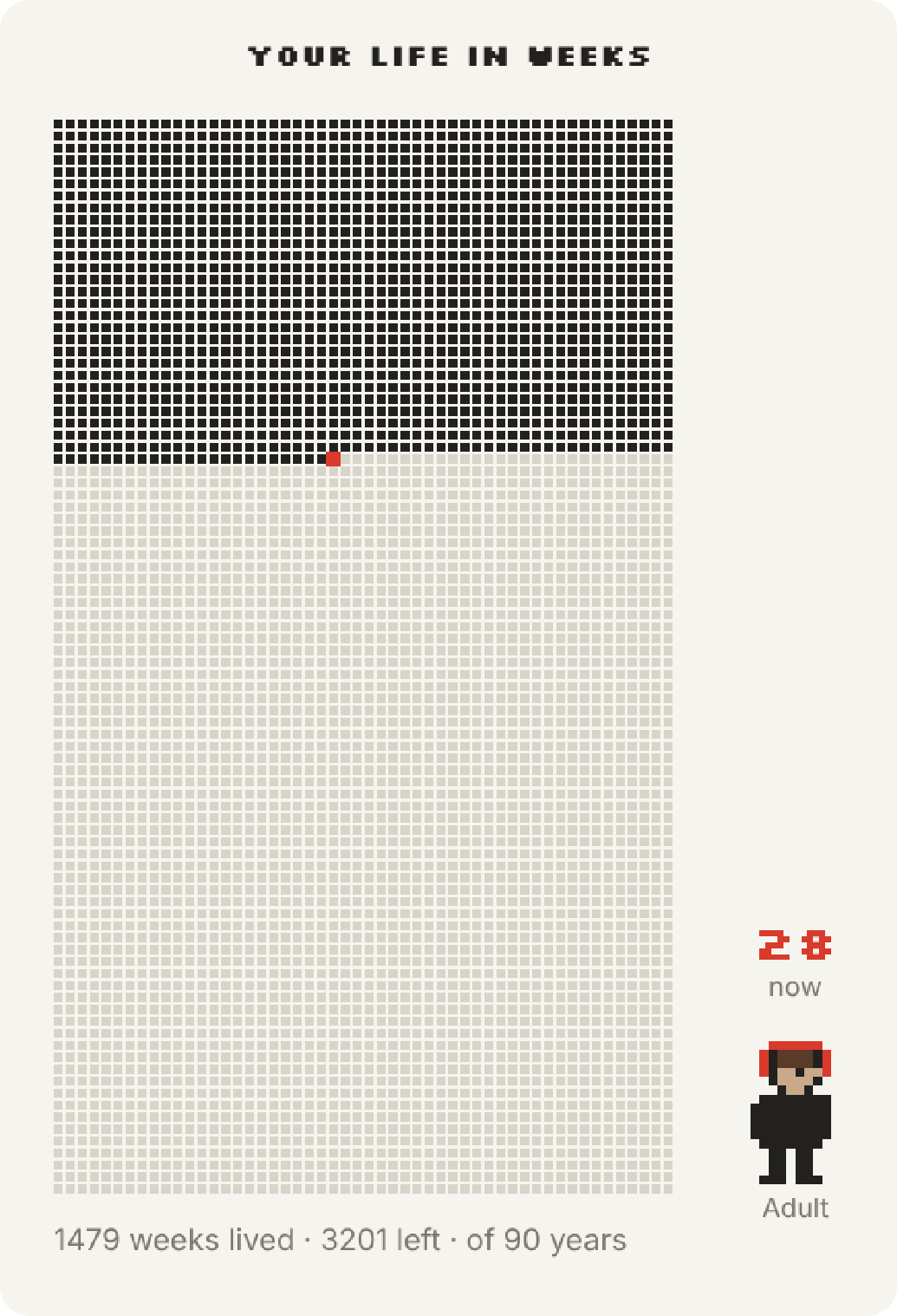
Leave a comment
Log in with itch.io to leave a comment.